

You can change the VNC password using SolusVM.
1. Login to your SolusVM Control Panel.
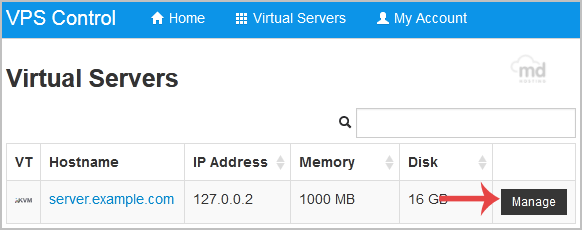
2. If you have multiple VPS, select the appropriate one.
3. Scroll down, and under the VNC Password tab, enter your new password in the VNC text box. Then click on Change.

4. It will prompt for confirmation. Click Yes and then reboot your VPS.